
Device choice is an overlooked way to increase clinician engagement at the point of care:
Increase clinician engagement with a choose your own device model.

More input into technology can improve employee engagement while maintaining security, compliance, and IT control. A choose-your-own-device (CYOD) program allows healthcare organizations to offer clinicians a selection of approved, IT-managed devices that support their workflows.
When you open a tablet or phone to record notes, you want it to feel natural. Across roles in healthcare — nurses, physicians, lab techs — the feeling of a familiar device makes work easier.
Clinicians are feeling disengaged, and that sentiment is costly: disengaged caregivers are 2.6 times more likely to leave, according to Press Ganey. Giving employees more buy-in when they’re issued a device is a simple step to drive efficiency and increase satisfaction. The question is how best to operationalize it.
Organizations are starting to prioritize choose your own device (CYOD) over bring your own device (BYOD) policies, but how does that look in healthcare? Healthcare’s need for rugged, secure devices doesn’t rule out employee choice. Hospitals and clinics can offer options on their own terms.
Healthcare demands clinician involvement
As 43 percent of hospitals push to improve the efficiency of clinical operations and reduce costs, frontline clinicians are skeptical that their needs for productivity tools are being addressed, as seen in a survey from the Deloitte Center for Health Solutions. Only 31 percent of clinicians trust that the right decisions are being made for patients, and only 15 percent trust that the right decisions are being made for workers.
Clinicians want a voice in the selection of devices and apps they use at the point of care. Being left out of those choices only adds to the burnout many clinicians already feel. The low buy-in for their technology can contribute to turnover costs, a cycle of burnout, and understaffing.
There’s no single cure for disengagement, but giving clinicians input on technology, especially the devices that shape their daily workflow, is a practical starting point.
The double-edged sword of personal devices
For many organizations, BYOD was the first step toward supporting employee preferences. While many health facilities let employees bring in their own tools, less control over these devices can introduce more risk.
According to a systematic review in JMIR mHealth and uHealth, hospitals rank BYOD security among their biggest IT challenges, largely due to limited visibility into staff devices. And according to Verizon’s 2026 Data Breach Investigations Report, the human element, including lost or stolen unencrypted devices, played a role in 54 percent of healthcare security incidents last year.
A breach of patient data, especially through mobile devices, is top of mind for healthcare IT, cybersecurity, and compliance leaders, and for the regulators who oversee them. Beyond compromising patient care, it’s expensive: healthcare has the highest average breach cost of any industry, at $6.64 million, reports IBM.
Personal devices require extra effort to secure. At minimum, organizations should enforce enrollment in mobile device management (MDM) for devices used for work to support HIPAA compliance. For many health systems, the added cost and risk of protecting personal devices outweigh the engagement benefits. CYOD offers a middle path, delivering employee choice through company-owned devices you fully manage.
Start with understanding user preference
The first step isn’t to upend your approach. A good goal is to understand what devices would support users’ workflows. Even if you’re satisfied with your fleet, exploring how to add variety to your approved devices can pay off.
A wide selection of vetted tools can increase options while maximizing control, management, and compliance. Memory shortages are expected to raise PC prices and smartphone prices, so a broader approved list offers more flexibility when it comes to cost.
Analyze support tickets and endpoint data to learn more about care team needs. IT professionals have anecdotal insights into what tools users have asked for; start a record of these requests and supplement it with a survey for clinicians. What do they use outside of work? What would enhance workflows? Involve clinical champions from nursing, physician, and lab teams early to shape the device shortlist.
Identify devices that could support personas with different workflows. Build out a list of possible devices to include in a CYOD program that range from rugged tools that follow nurses on shift to compute-intensive options for diagnosticians. Ask how each device handles clinical realities: shared use across shifts and fast sign-in between patients, frequent disinfecting, and integration with your electronic health record (EHR) and secure messaging tools.
Choose the scope of device selection
A plan to align your fleet with employee preference can take multiple different routes. If clinical mobility is a priority for your organization, you can start planning a system-wide rollout. Aligning to employee choice doesn’t have to mean replacing all your devices or letting staff buy whatever they like. Choice works best within a pre-approved, managed list.
One regional healthcare provider worked with SHI® to deploy 2,600 iPhones across five sites to empower mobility and care team communication. Another health system started by investing in 1,000 Apple devices to test how they support clinicians. The test proved successful, with no nurse turnover, but the scale of these deployments isn’t replicable at every organization.
For a smaller initiative to support employee engagement, you can start with a few new devices. Begin a pilot program by exploring 2-4 new models for different needs. This helps you test the devices in real clinical settings, such as inpatient units, the emergency department, or outpatient clinics. Use the pilot to confirm EHR compatibility, establish HIPAA compliance, and build best practices for deployment.
Approved devices can be deployed to different user groups for a prolonged test to ensure they support workflows and perform in your ecosystem without failure. The results of those tests can shape long-term approaches to powering user choice and clinician engagement.
The collaboration behind employee choice can start the conversation between IT and clinical stakeholders, resulting in more engagement and satisfaction down the road.
SHI Healthcare and Apple can help
Choice doesn’t have to come at the expense of security. A managed list gives clinicians devices they’ll love and gives IT, cybersecurity, and compliance teams the control they need.
With help from SHI Healthcare and Apple, you can start your CYOD journey by assessing Mac alongside the iPhone and iPad devices your care teams already use.
Our Mac Test and Try program helps you securely prepare for Mac adoption in your healthcare enterprise:
- Evaluate deployment and setup, including zero-touch enrolment
- Assess integration with your device management and identity tools
- Determine best practices for HIPAA-compliant deployment
- Optimize for performance in clinical workflows
- Establish a baseline for future deployments
A sustainable future for clinical mobility relies on devices clinicians choose and IT can trust. Work with SHI Healthcare to design a CYOD program that puts clinician workflows and patient-centered care first.
Next steps
Ready to get started? Contact an SHI Healthcare specialist about a clinical mobility strategy and a test and try program for your care teams.
SHI® is a registered trademark of SHI International Corp.
Speak to an SHI Healthcare expert
-
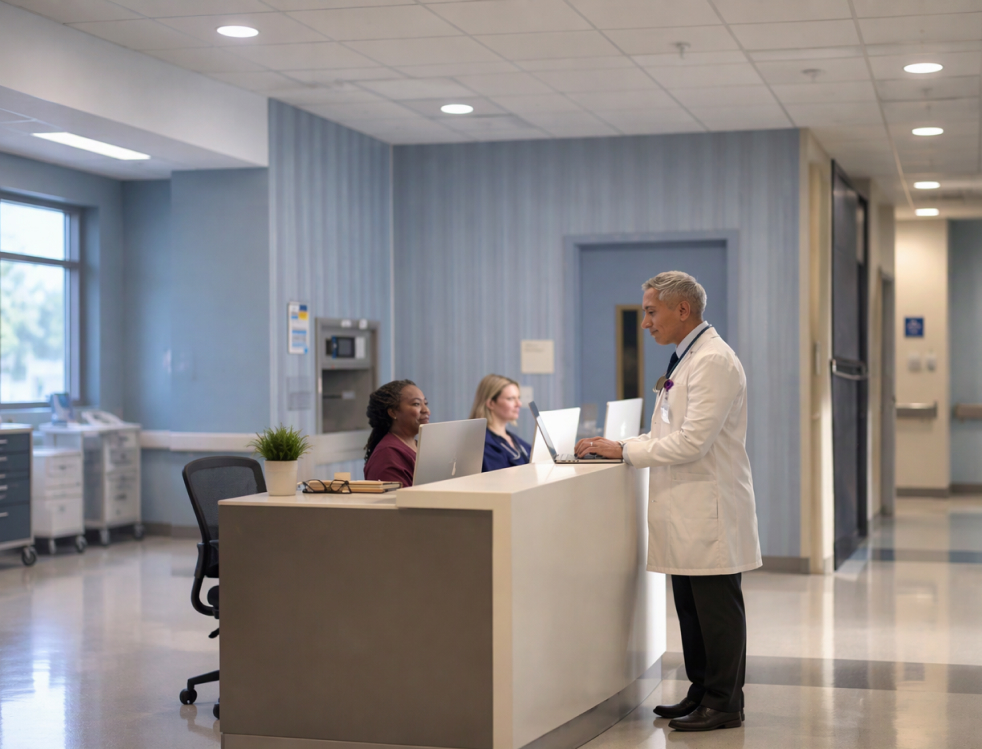 Clinicians do their best work with the right mobile tools:
How designing around clinical workflows helps healthcare organizations get more from mobile technologyReading Time: 5 minutesClinical mobility succeeds when technology fits clinician workflows. Learn how reliable connectivity and integrated systems reduce friction at the point of care.
Read More -
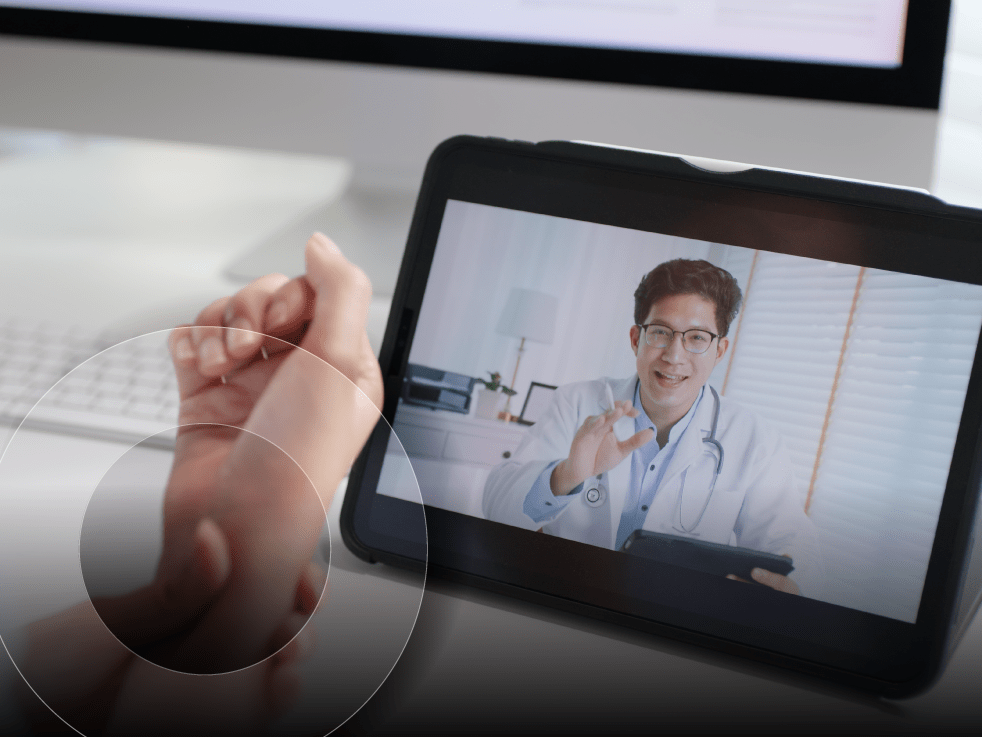 How improving clinical mobility helps achieve Quintuple Aim:
To foster great patient and clinician experiences, start by modernizing the devices your people rely on.Reading Time: 5 minutesTo foster great patient and clinician experiences, start by modernizing the devices your people rely on.
Read More -
 How technology can help address mental health challenges in rural America:
With SHI Healthcare, you can confront the digital divide for a healthier tomorrowReading Time: 5 minutesThe mental health crisis in rural America is growing. But technology offers a solution.
Read More